Alivi & Veyo Provider Portal Guide for NEMT Providers
DRT Pros Operations Library · Updated October 2026
Alivi and Veyo move non-emergency medical transportation trips for Medicaid members across multiple states. For transport providers, almost every dollar of revenue passes through their provider portals, so portal discipline directly decides whether a trip gets paid. This guide explains how the portals work and how DRT Pros operates them as a dedicated back office for your fleet.
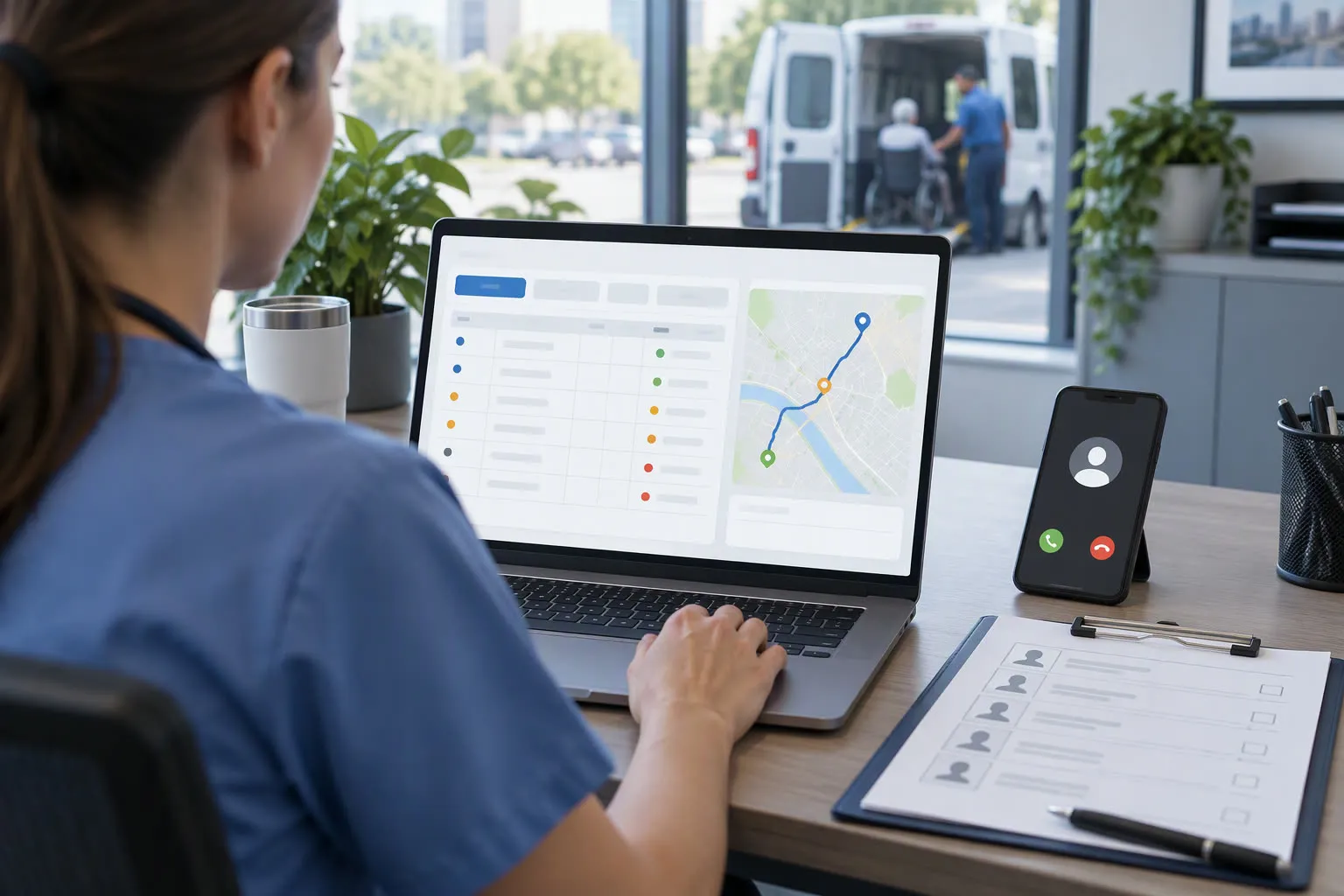
How Alivi/Veyo trips reach your fleet
Brokers publish scheduled and same-day trips to provider networks. Providers typically receive manifests through the provider portal, portal-integrated dispatch software, or file feeds. Every trip carries a member identifier, mobility code, appointment window, origin/destination, and an authorization or trip reference number.
- Check each manifest for correct mobility needs (ambulatory, wheelchair, stretcher) before assigning a vehicle
- Confirm pickup windows; late arrival against the broker promise window is a common scorecard hit
- Log exceptions (wrong address, closed facility) in the portal the same day, not at billing time
Delivery confirmation and trip documentation
Payment follows proof of delivery. Portal trip logs must reflect the actual pickup and drop-off time, the rider who boarded, mileage where required, and any missed or refused service. Drivers who arrive and find the member absent need a documented no-show entry, or the trip becomes unrecoverable.
- Driver app or portal entries with accurate timestamps for arrival, pickup, and drop-off
- Same-day reconciliation of any gap between dispatch software and portal status
- Immediate portal notification of cancellations so the broker can reassign or close the trip
Billing, settlement files, and denials
Claims flow either through the portal billing module or export files matched to delivered trips. Denials concentrate in a few predictable areas: trips billed without matching broker authorization, timestamp mismatches, duplicate trip IDs, and mileage disputes. A daily reconciliation routine catches the majority before submission.
- Match every billed trip to a portal-confirmed delivery before export
- Work denial reason codes weekly; re-submit correctable trips inside the appeal window
- Keep settlement statements and trip logs archived for broker audits
Outsourced Alivi/Veyo portal operations
DRT Pros runs these portals as a dedicated remote team inside your accounts: manifest ingestion, trip acceptance, scheduling updates, delivery confirmation, billing file preparation, and denial follow-up. You keep your software and contracts; we staff the portal work 24/7 so nothing waits for business hours.
- Trip booking and portal status updates answered within service-level windows
- Daily manifest reconciliation between your dispatch system and the broker portal
- On-time performance and scorecard monitoring with escalation on at-risk trips
Want this handled for you, 24/7?
DRT Pros operators do this work daily inside client portals and phone queues. Get a free audit of your current setup or talk to a supervisor about coverage.